Photograph a vocabulary list
Dikiwi recognises the table and transfers the word pairs into your set.
Free AI Vocabulary Trainer · 30 × 30 languages
Turn your own words into personal language training — from the first encounter to measurable recall.
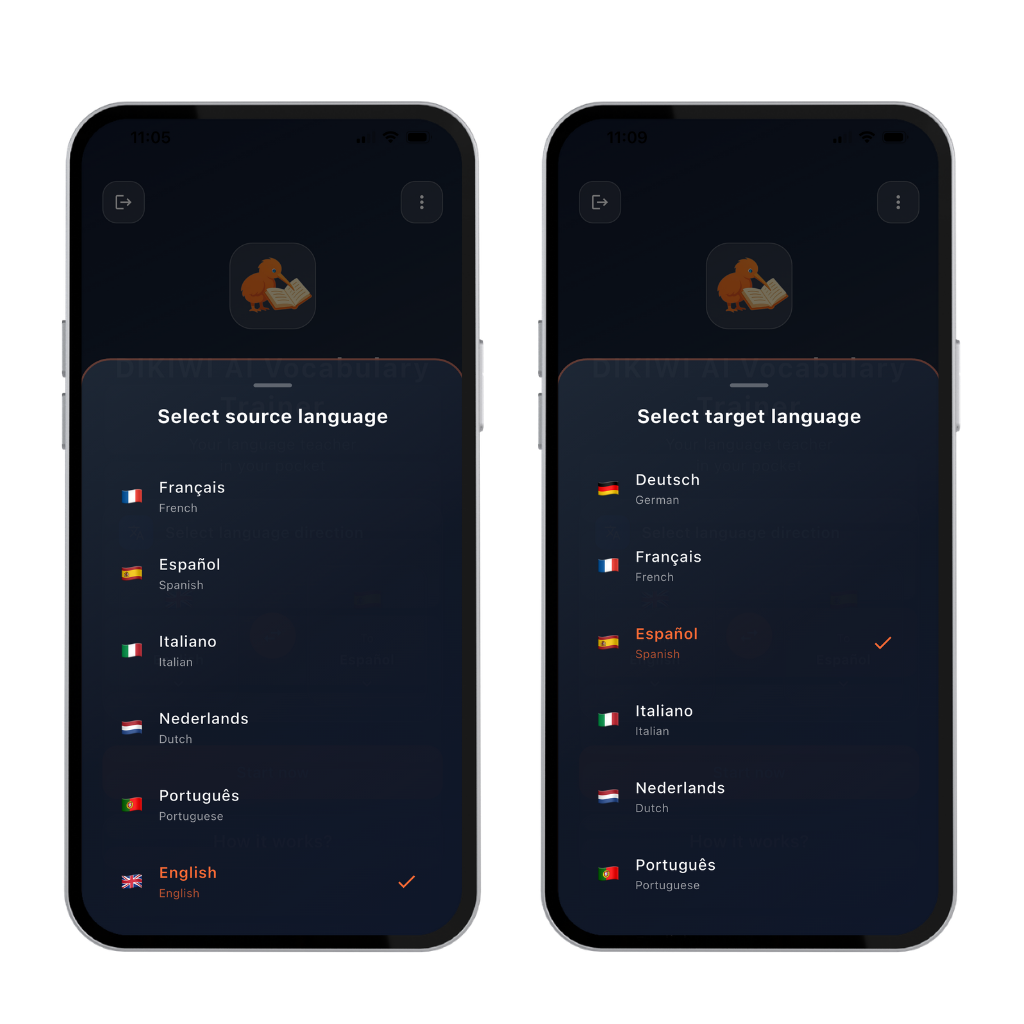 30 × 30language combinations4 AI modulesbuilt into the app3 test modescheck real recall
Try the complete Dikiwi learning sequence directly in your browser. You need neither an account nor the app.
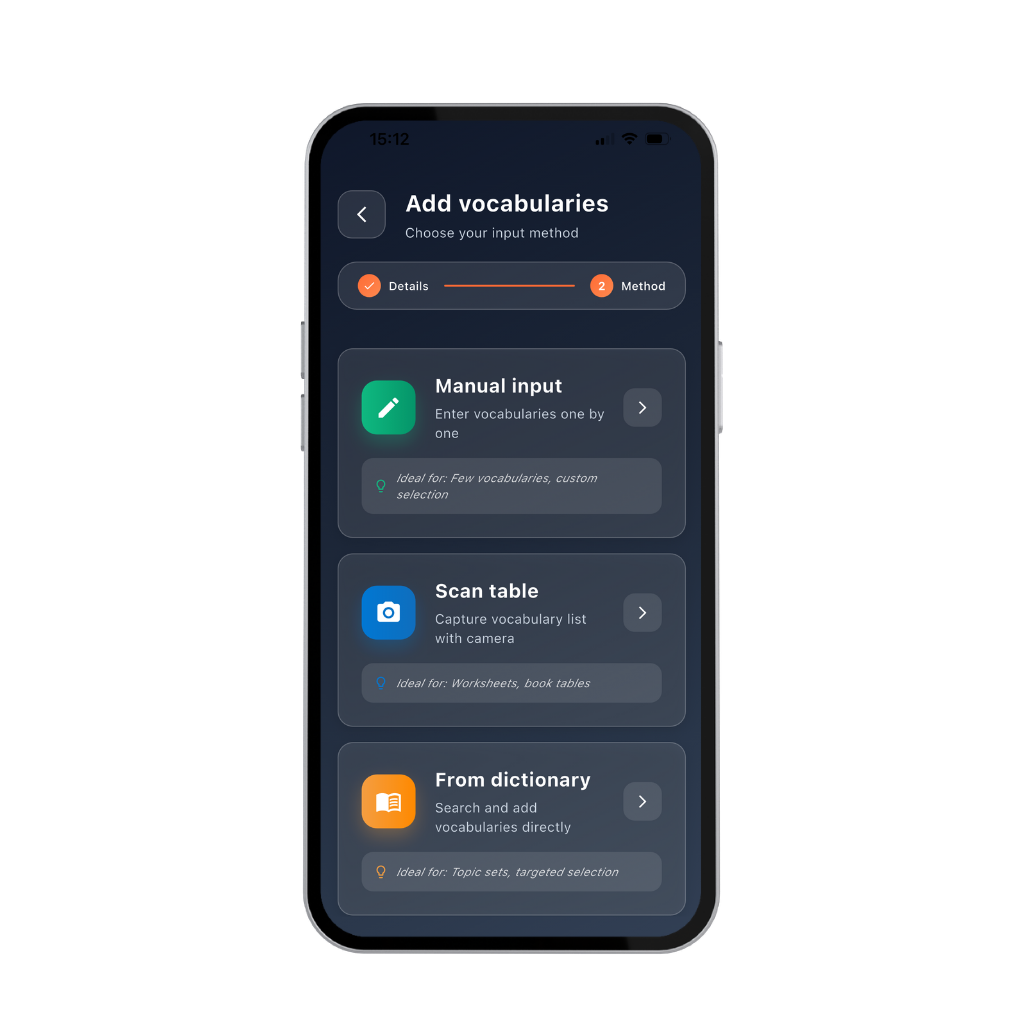
Bring your words into the app quickly
Choose the route that fits your material.
Dikiwi recognises the table and transfers the word pairs into your set.
Find the right translation and add it directly to your set.
Add individual words, phrases and translations yourself.
AI tools inside the Vocabulary Trainer
They support you from importing material to written correction and pronunciation feedback.
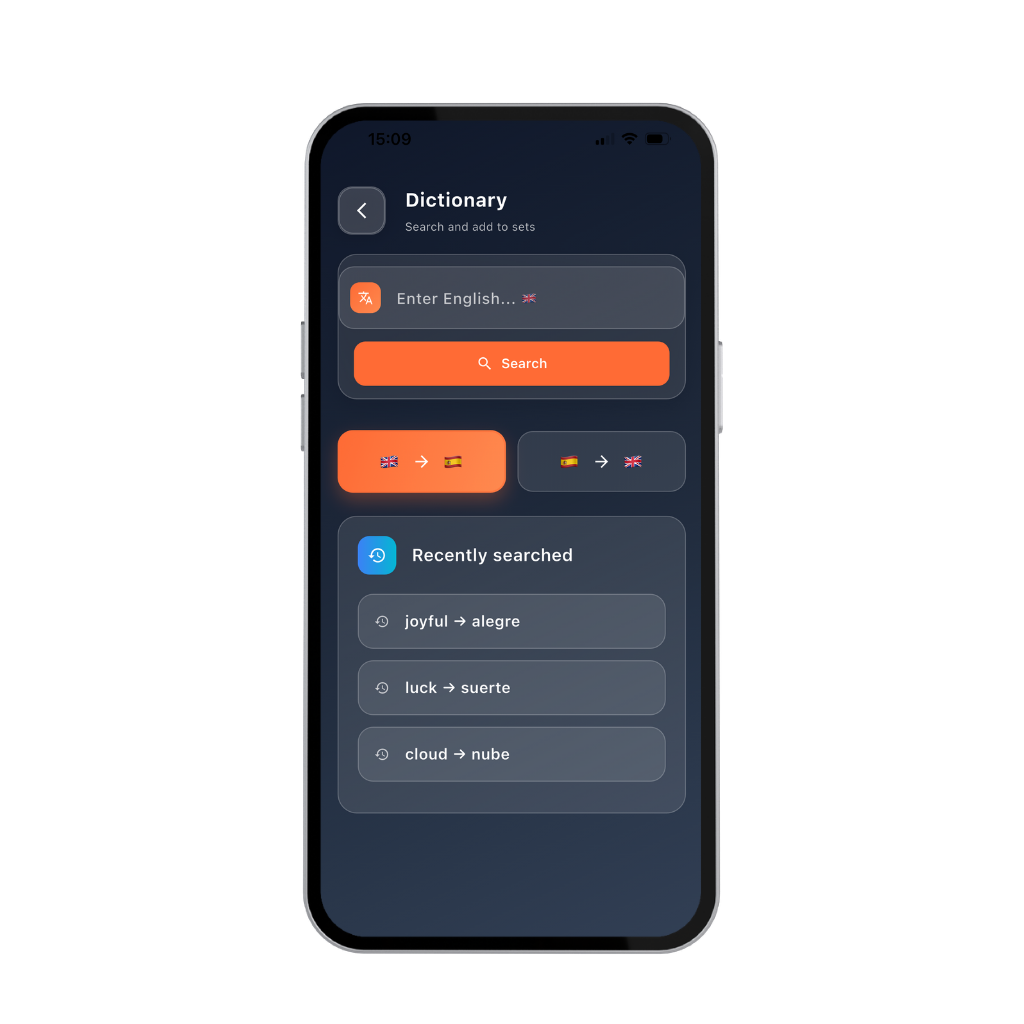
Find suitable translations and add them directly to your personal set.
Photograph a list or table. Dikiwi recognises and imports the pairs.
Print a test, complete it by hand and photograph the result for automatic analysis.
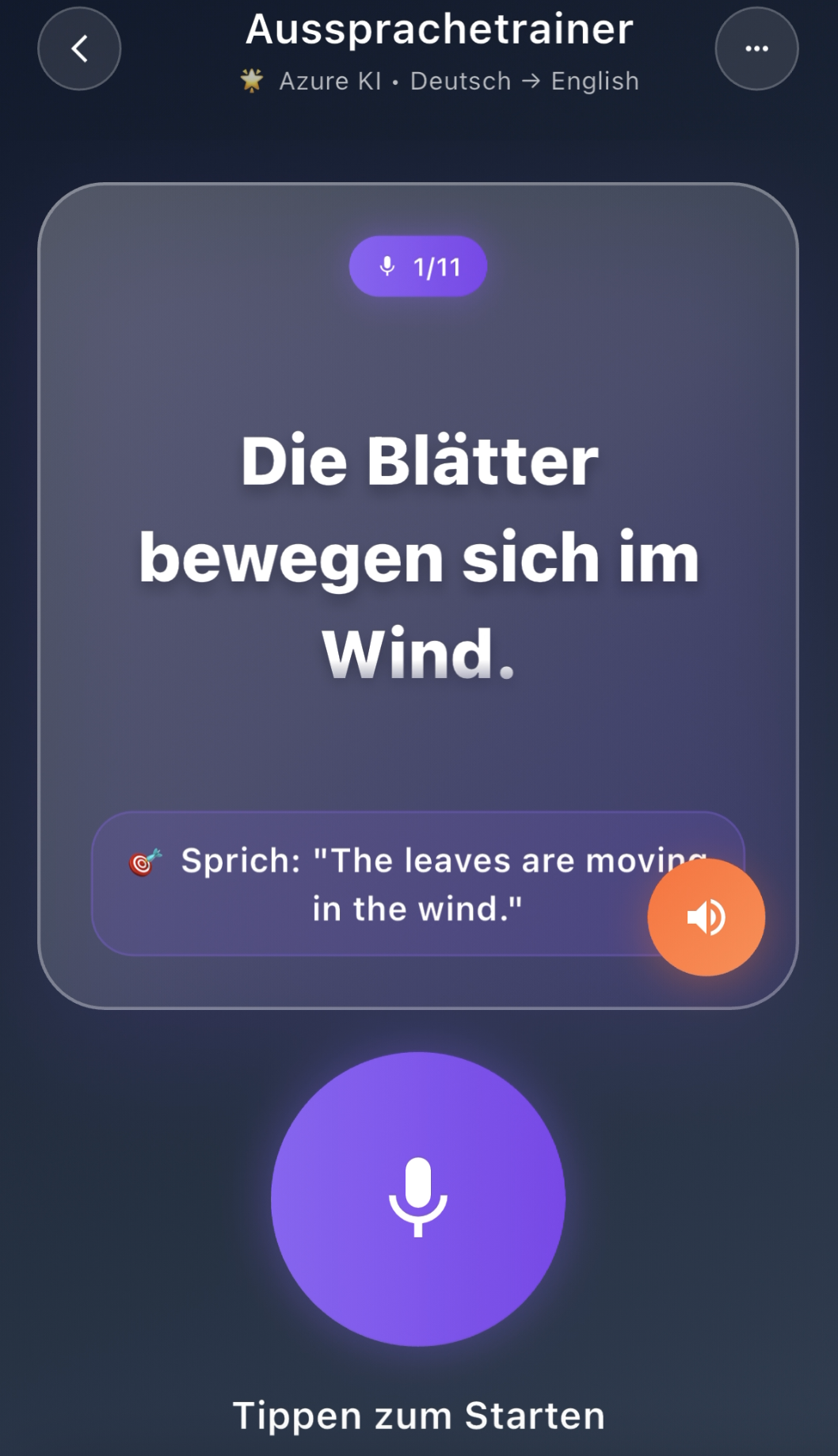
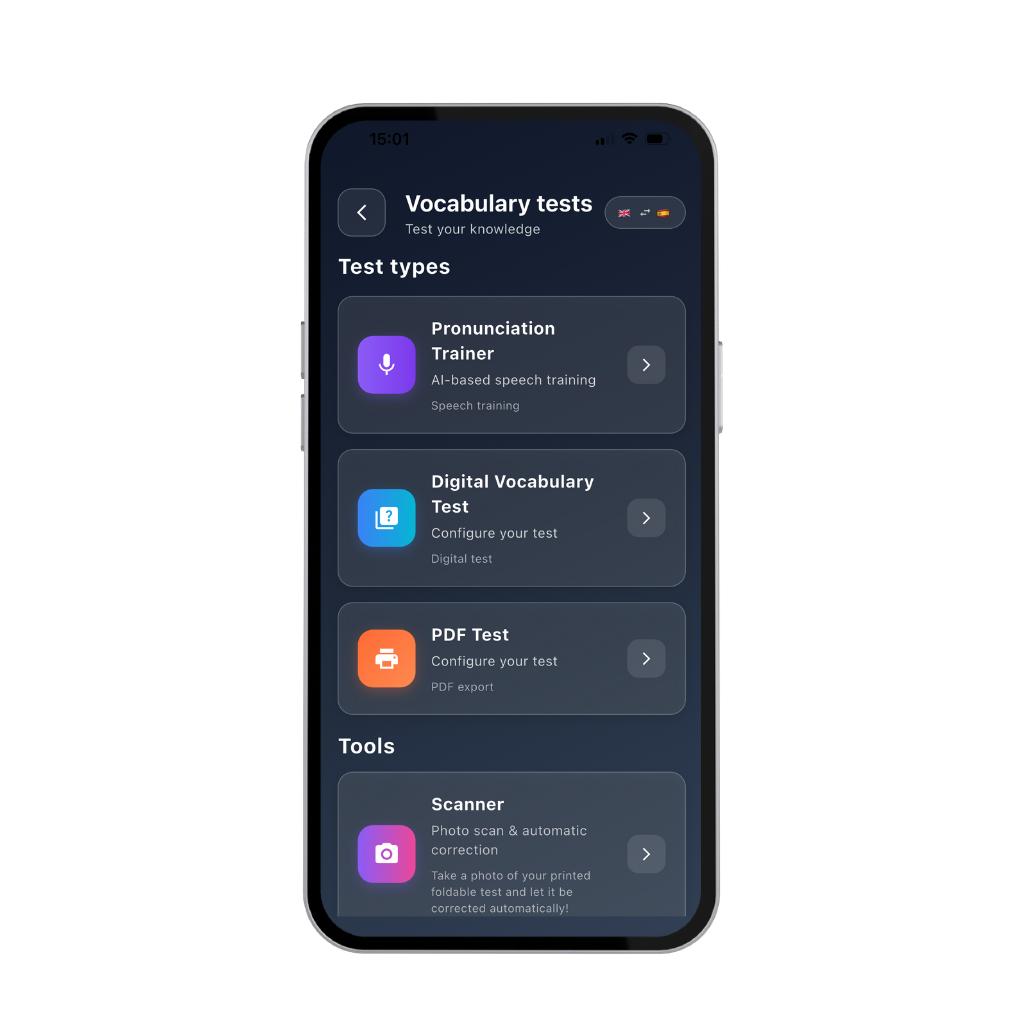
Speak aloud and receive scores for pronunciation, fluency, completeness and prosody.
Technology: Microsoft Azure SpeechCheck what is truly available
Check your knowledge in the app, on paper or by speaking aloud.
Answer in the app and receive immediate feedback.
Print a PDF, write the answers by hand and photograph it for automatic correction.
Speak aloud and use specific scores to see what is already secure.
Digital · written with photo correction · spokenThe Dikiwi learning process
A word can look familiar without being available when you want to speak. Dikiwi trains active recall.
For real-life learning goals
Learn vocabulary from textbooks, classes and exam material.
Build the terms and phrases you need in real professional situations.
Prepare exactly the vocabulary you want for your next conversation.
Ready for your own words?
Frequently asked questions
Yes. The ad-supported version is free to use on iOS and Android. Optional in-app purchases remove ads.
Combine any of 30 source languages with any of 30 target languages.
No. You create personal learning material from your own words, phrases and sources.
Photograph a list or table, use the built-in dictionary or enter pairs manually.
Use a digital test, a printable written test with photo correction or the AI pronunciation trainer.
No. The full trainer is an app for iPhone, iPad and Android. The free trial lesson can be completed in your browser.
Free for iOS and Android
Download Dikiwi and create your first personal learning set.
Free to use with ads