The familiar problem
Vocabulary is memorised in isolation, remains available briefly and disappears when it is needed in a real situation.
Dikiwi AI Vocabulary Trainer
Dikiwi combines structured repetition with meaning, context and active recall — for the words you actually need.
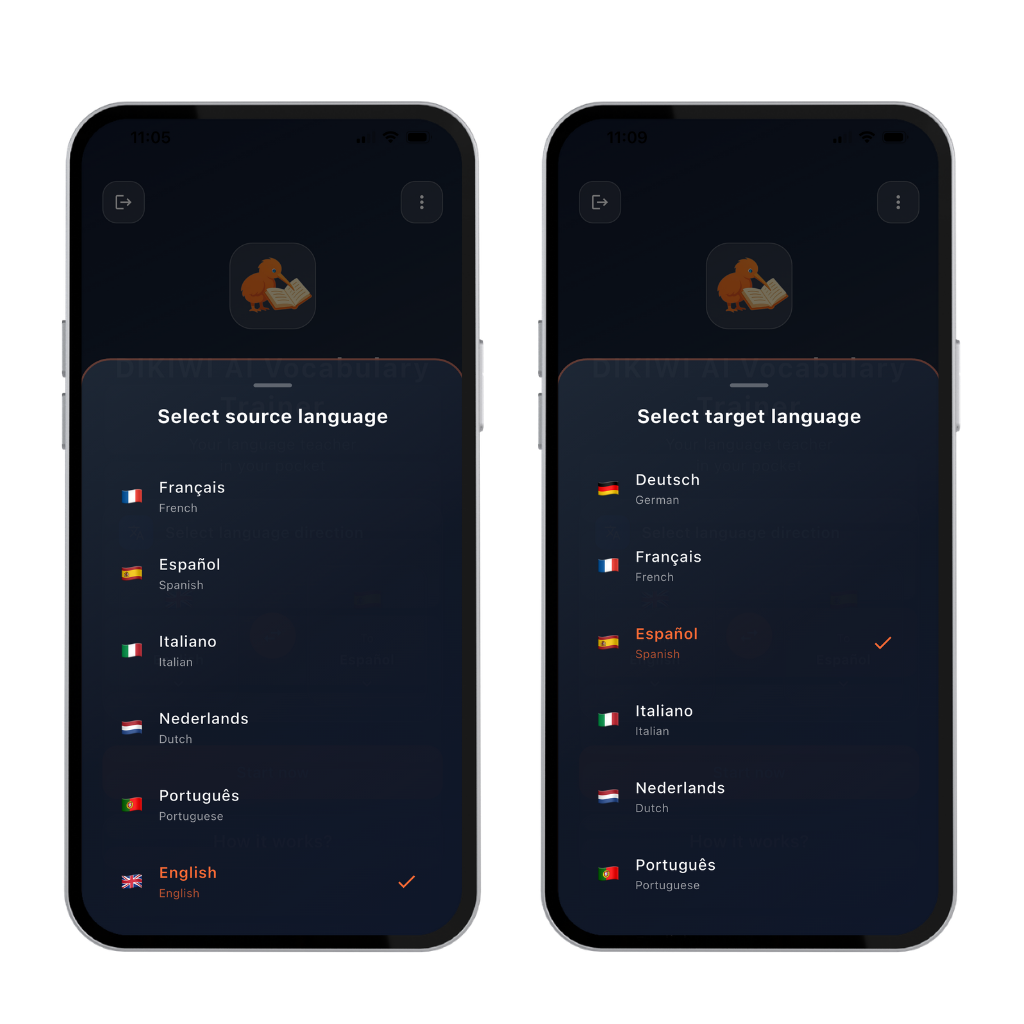 Combine 30 source with 30 target languages
From memorising to understanding
Knowing a word for the next test does not mean it will be available when you want to speak.
Vocabulary is memorised in isolation, remains available briefly and disappears when it is needed in a real situation.
Structure and repetition matter. Meaning, context and active use turn isolated words into available language.
You choose the content. Dikiwi organises learning, practice, consolidation and testing in a clear order.
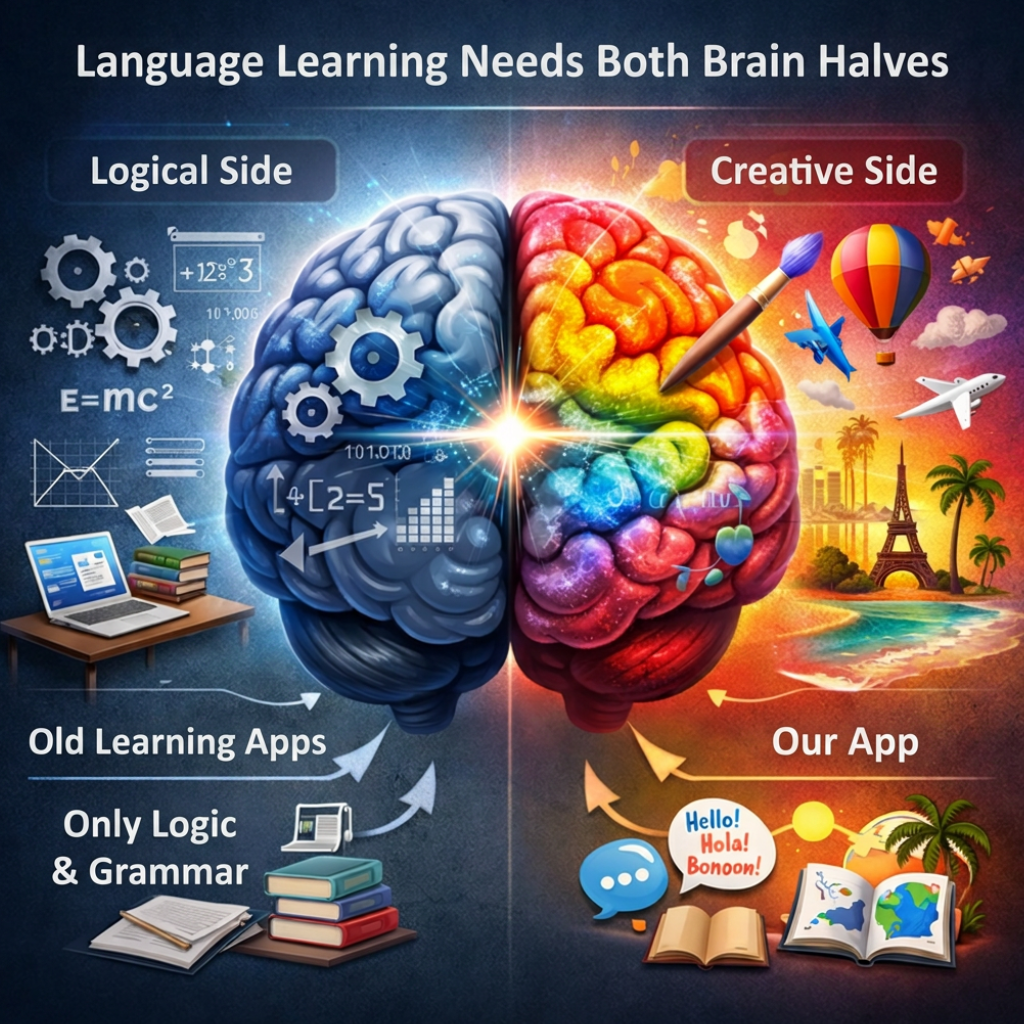
The whole brain learns
The two halves are a useful picture for two complementary abilities: language needs rules and structure, but also meaning, context and application.
Dikiwi brings both together so vocabulary develops beyond the next test into a usable resource.
Who Dikiwi is for
Whether you are preparing for school, university, work or travel, the learning logic remains the same.
For teachers
Teachers determine the content, level and learning goal. Dikiwi helps students consolidate vocabulary at home and makes progress easier to observe.
What Dikiwi does differently
Dikiwi connects meaning, context, active use and controlled repetition. Progress becomes visible, not merely a feeling.
Start free or learn without ads
The core learning functions and AI modules are also included in the free version.
Actual prices and conditions are shown in the App Store or Google Play and may vary by platform and country.
Four integrated AI modules
AI supports input and evaluation. You remain in control of learning and decisions.
Photograph a table from a book or worksheet and check every recognised pair before saving.
Search words, meanings and useful groups, then add them directly to your set.
Create a PDF, write on paper and photograph the result for automatic analysis.
Receive scores for pronunciation and fluency. The Azure model was trained with speech data from 10,000 native speakers.
Pronunciation note: Analysis is available for selected languages and quality can vary by external model and language.
A complete learning tool
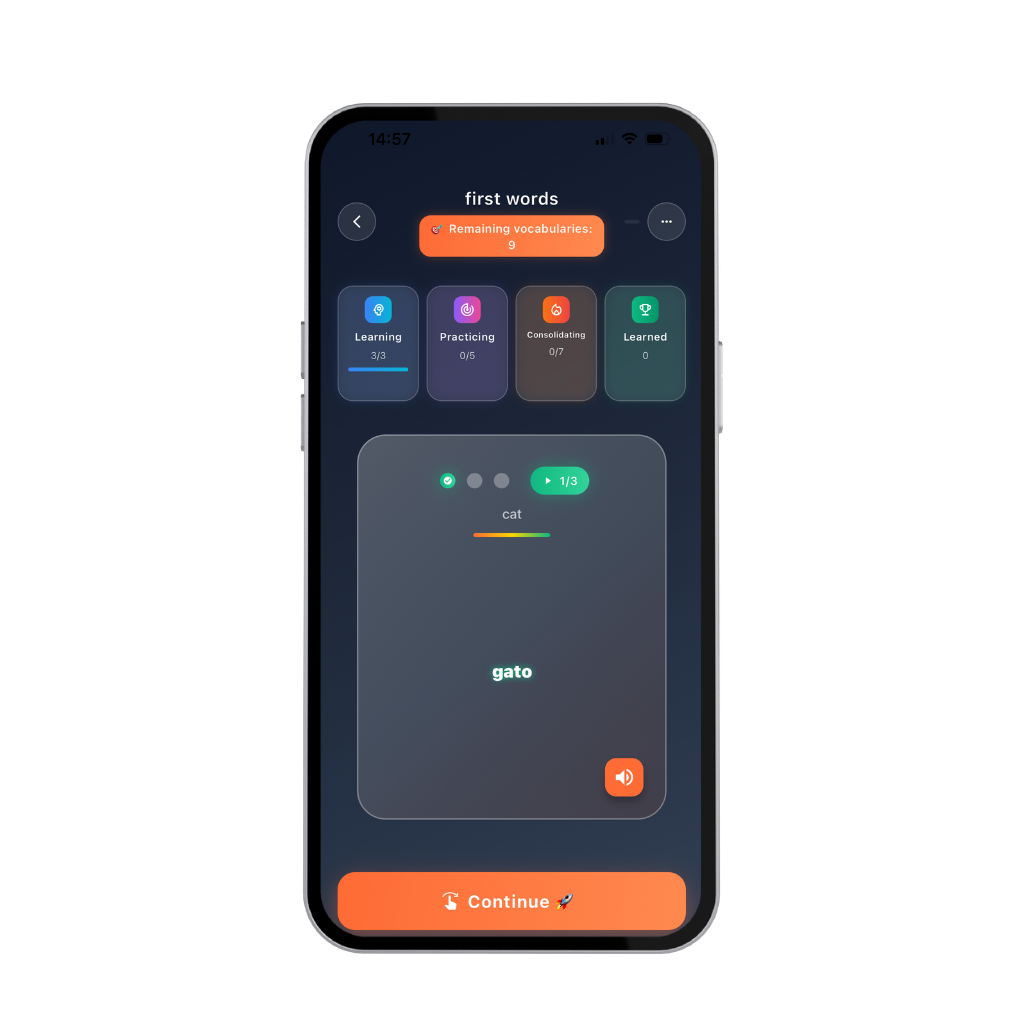
Words move through four visible stages: learning, practice, consolidation and learned. Items are repeated and mixed instead of being memorised in a fixed order.
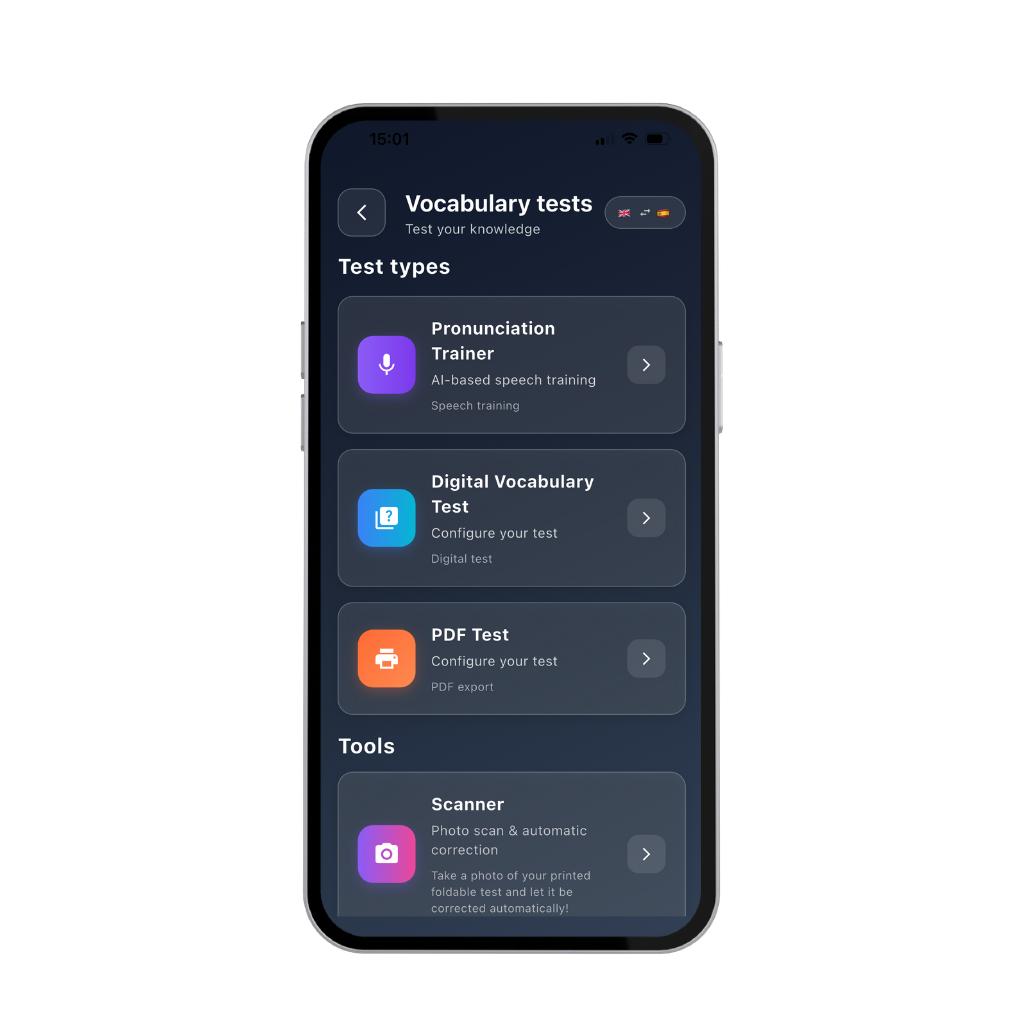
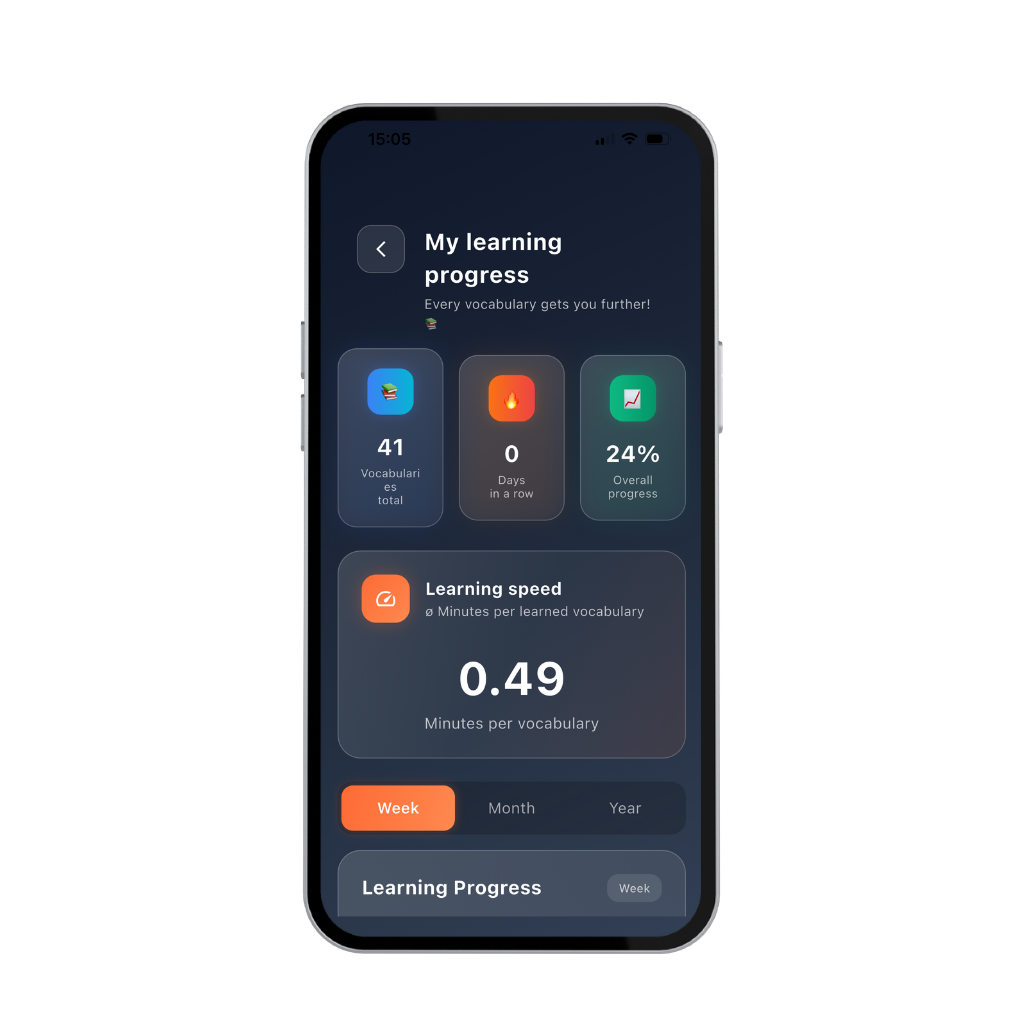
No guesswork. See the status of individual items, repetition, learning speed and development over time.
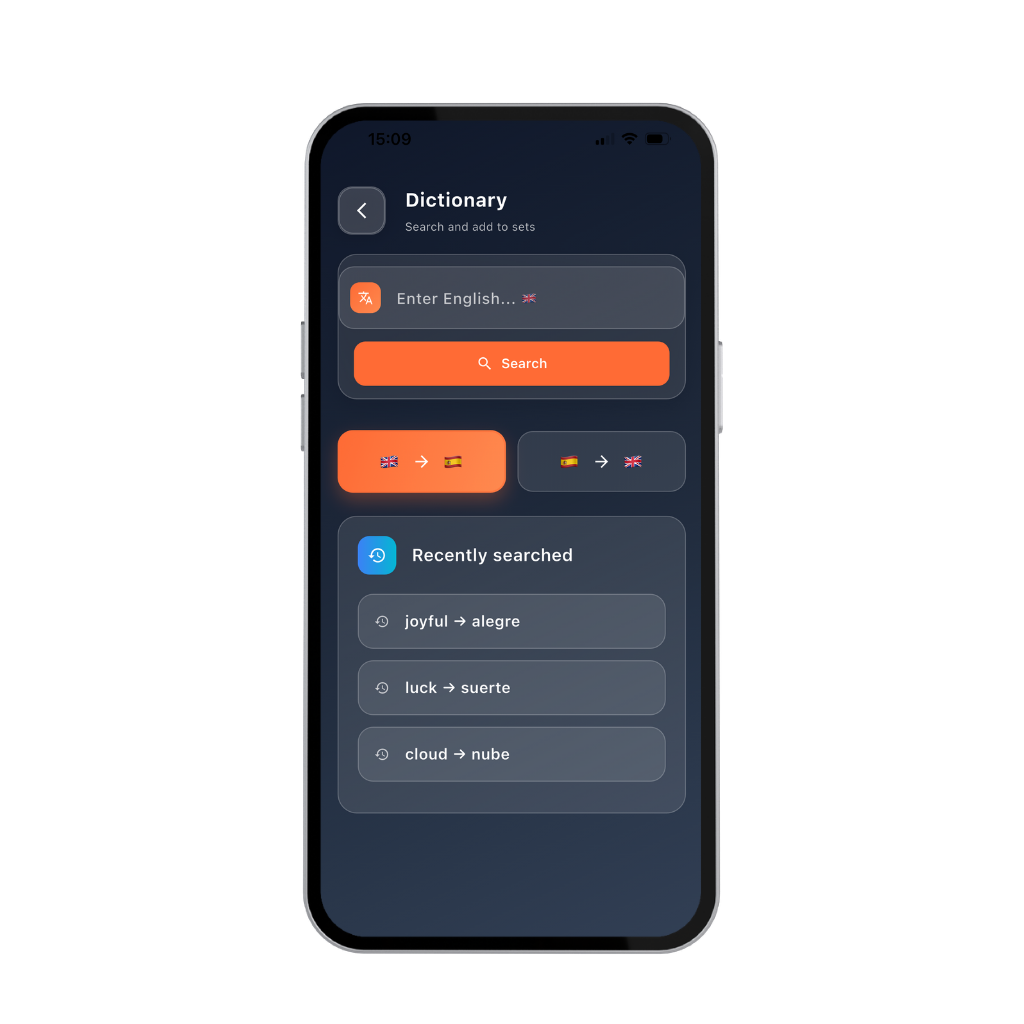
Search meanings and useful word groups directly in the app and add them to a personal set.
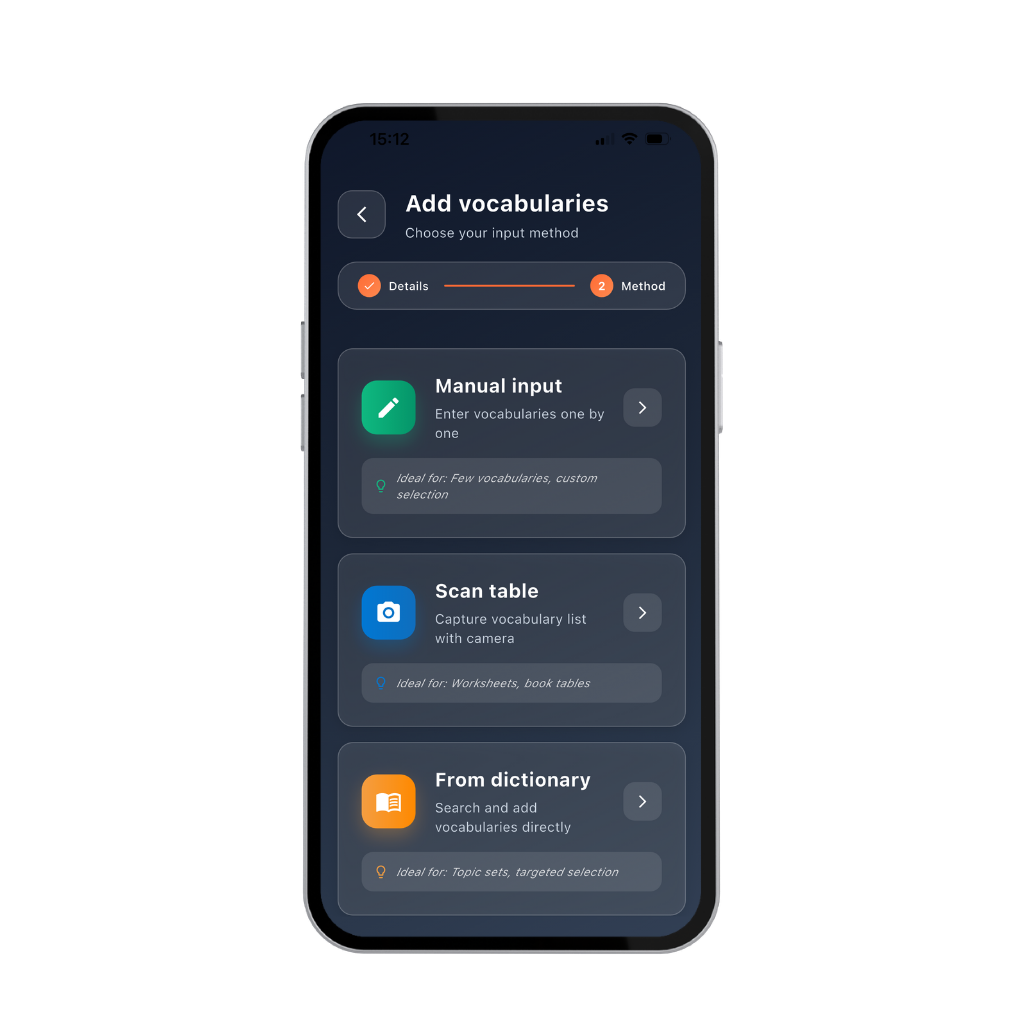
Enter material manually, scan tables with your camera or import words from the dictionary. Check everything before saving.
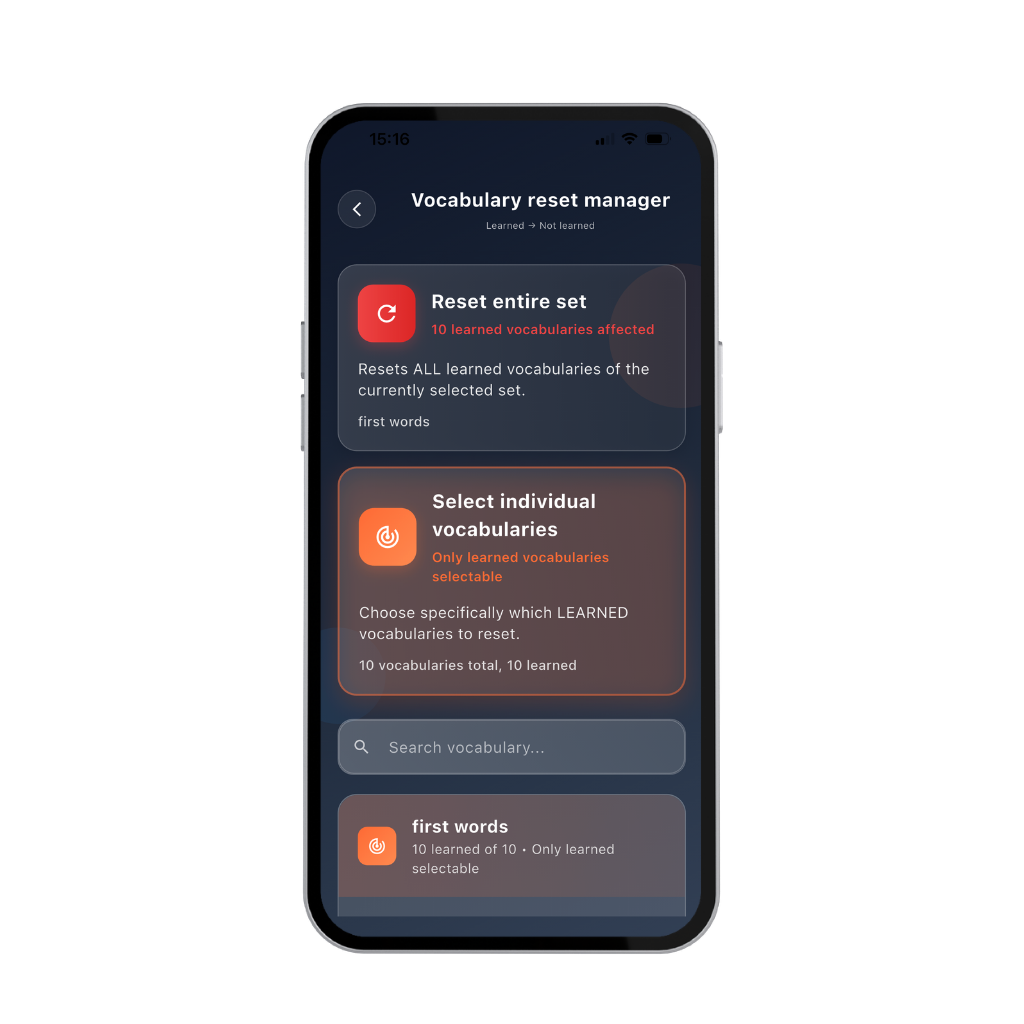
Reset individual items or complete sets and make earlier content available for learning again. Control remains with you, not the app.
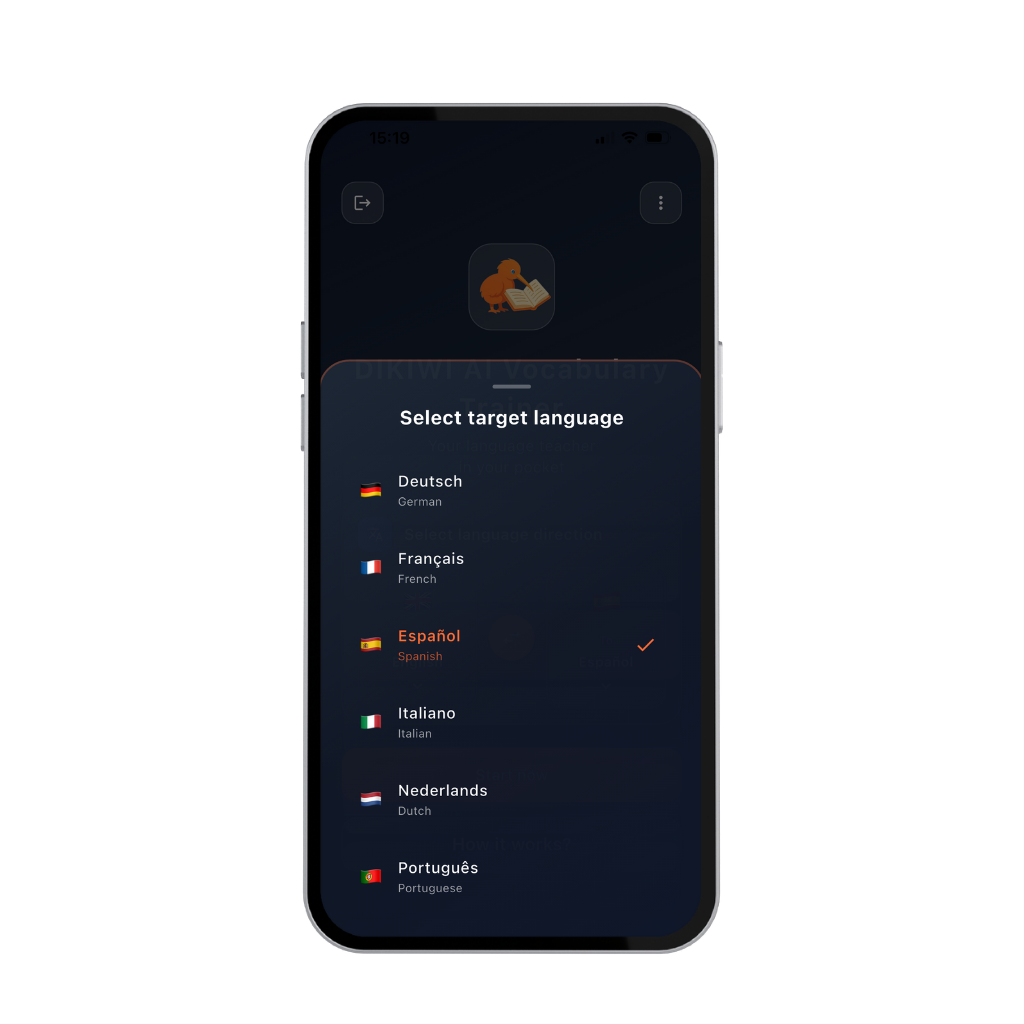
The language changes; the learning logic remains consistent. Organise several languages and choose the direction that fits your goal.
A learner's experience
“I notice that I genuinely retain vocabulary — not only for a few days.”University student, 22
“I can finally see which words are actually in long-term memory.” — Secondary-school teacher
“This is not a game — it is a learning system.” — Language-course participant
Already decided?
Detailed guidance remains available without making the offer page feel like a manual.
Choose “Start now” to begin without registering.
Keep learning status and continue across different devices.
Create and name a set, choose one of the three input methods, check the content and start learning. The 40-video library shows every step in the correct order.
Open phase 2Free for iOS and Android
Use Dikiwi free with ads or choose an optional ad-free plan inside the app.