8.2 Preparing the written test:
Random vocabulary selection
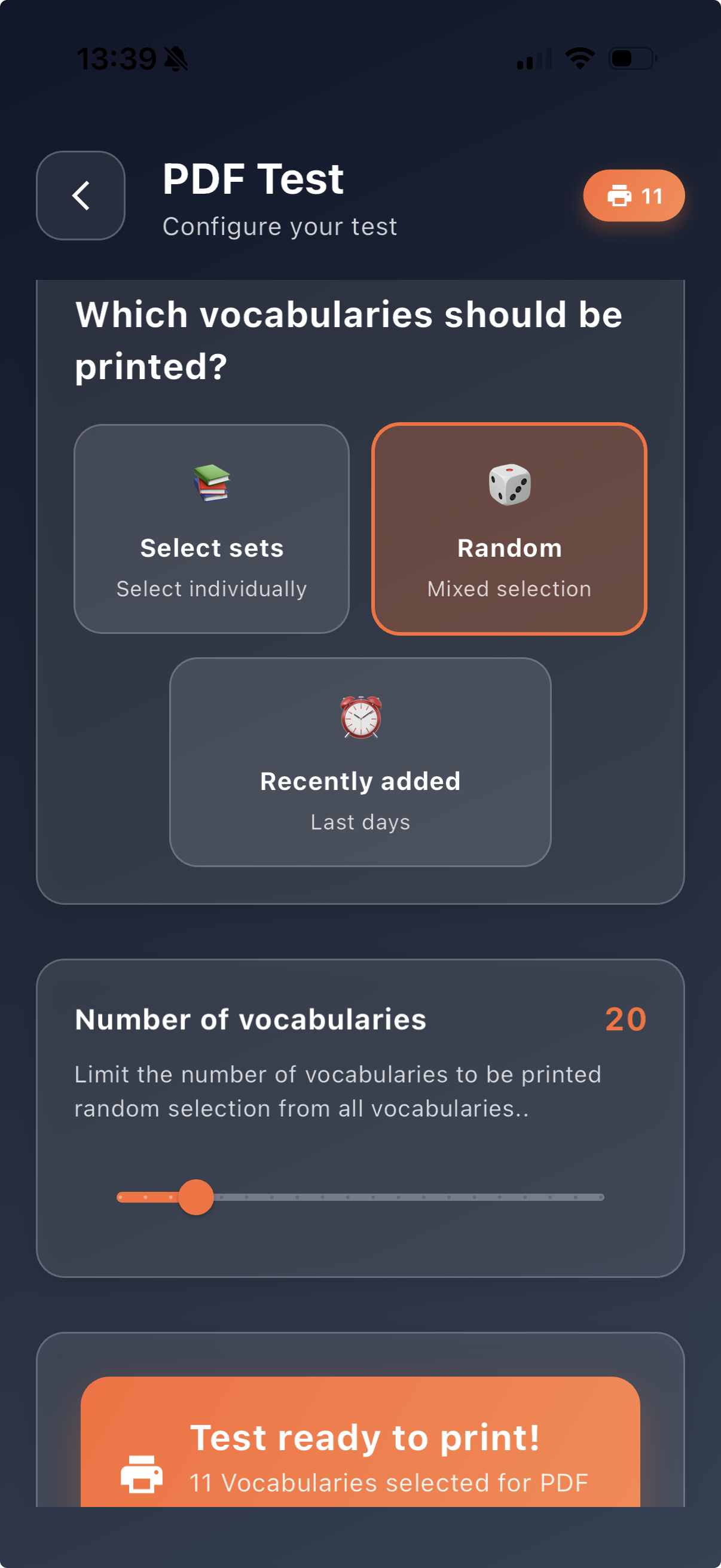
With the written vocabulary test, you can also test a random selection of vocabulary items. The app automatically selects vocabulary items from all available sets. You only decide how many items should be included in the written test.
Show step-by-step in the video
1. Scroll in the dashboard to the Vocabulary tests section
2. Tap PDF test
3. Select PDF test
4. Choose the option Random
5. Use the slider to choose the desired number of vocabulary items
6. Once your selection is complete, the message “Test ready to print!” appears
7. You can now generate the written test as a PDF
Tip for following along: In the video, focus especially on the slider for the number of vocabulary items. This allows you to quickly prepare short written reviews or longer written tests.
The random selection is especially suitable for a quick written review. This allows vocabulary items from different sets to be combined before generating a written test as a PDF.